SSH and console
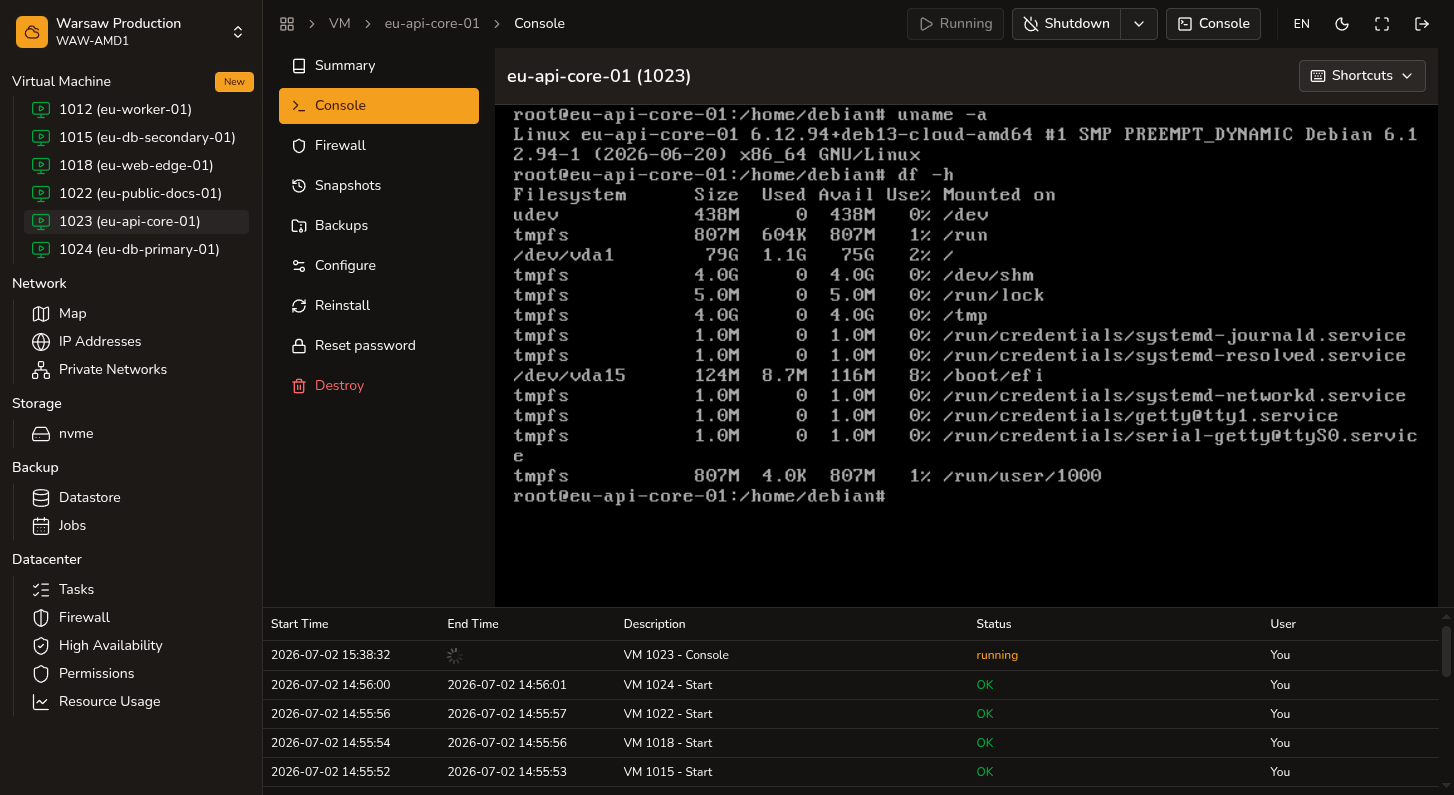
Connect to a VM by SSH (public key) or noVNC console (VM user password).
Before you begin
- VM in running state.
- Username from VM create or reinstall.
- For SSH on WAN: VM has a public IP and an SSH key added at create or reinstall.
Steps
- Connect by SSH with the username from create/reinstall and the private key that matches the public key added in the portal.
- If SSH does not respond, open
VM → Consoleand sign in with the VM user password from create/reinstall. - Check the guest OS firewall and network configuration inside the VM, or wait a moment and try again.
Watch out
- On all Linux images, SSH password login is disabled — only SSH keys work. To enable password SSH, see SSH password login.