PTR / reverse DNS
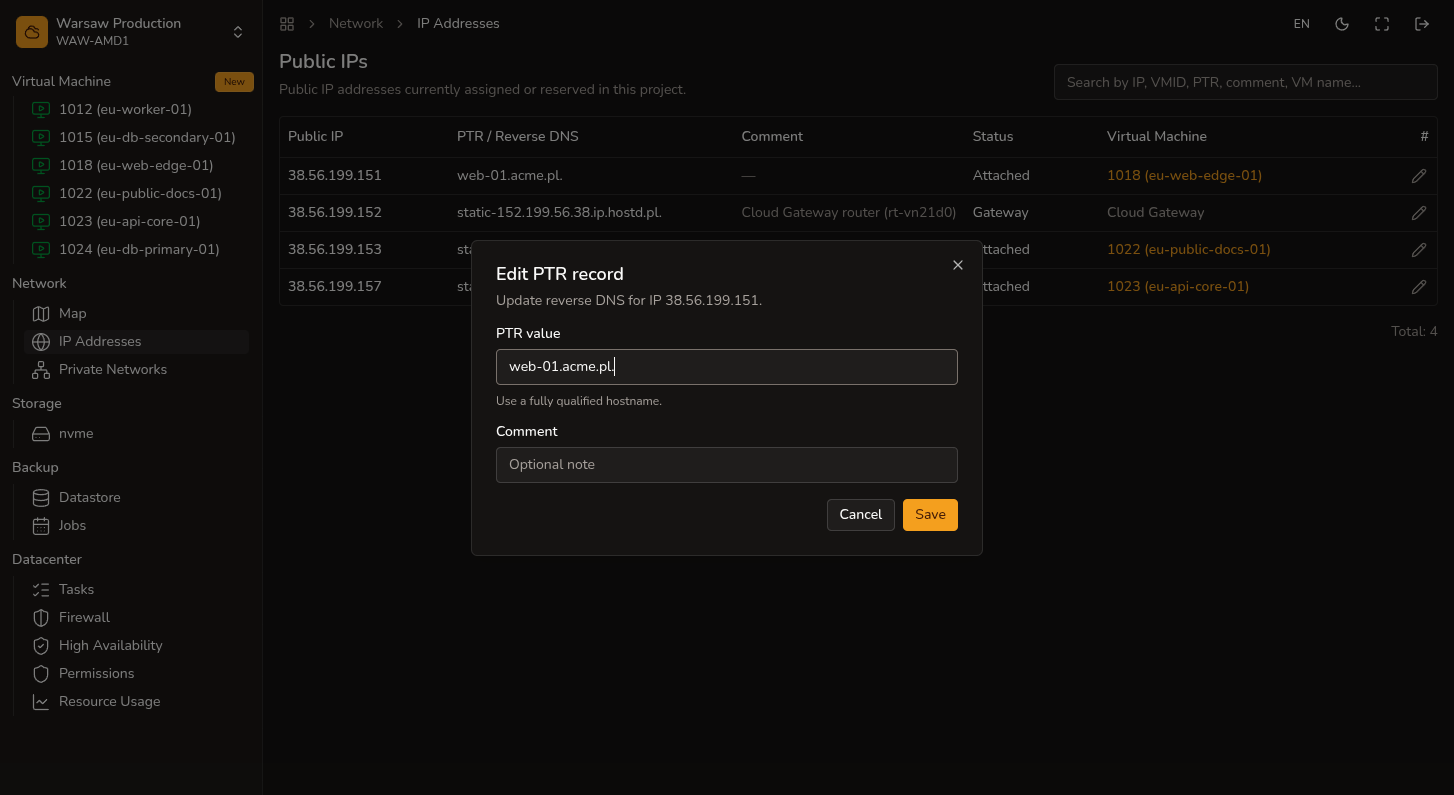
Edit PTR (reverse DNS) for a hostd public IPv4 address.
Before you begin
- A public IPv4 assigned to your project.
- An FQDN you control for the PTR record value.
Steps
- Open
Network → Public IPs. - Select a public IPv4 and edit PTR.
- Enter the FQDN for reverse lookup.
- Click Save.
Watch out
hostd does not host forward DNS for customer domains. A, MX, and CNAME records for your domain stay with your DNS provider.