Team access
Project roles and member management. Only the project owner — Superadmin in the portal — can add users and change roles.
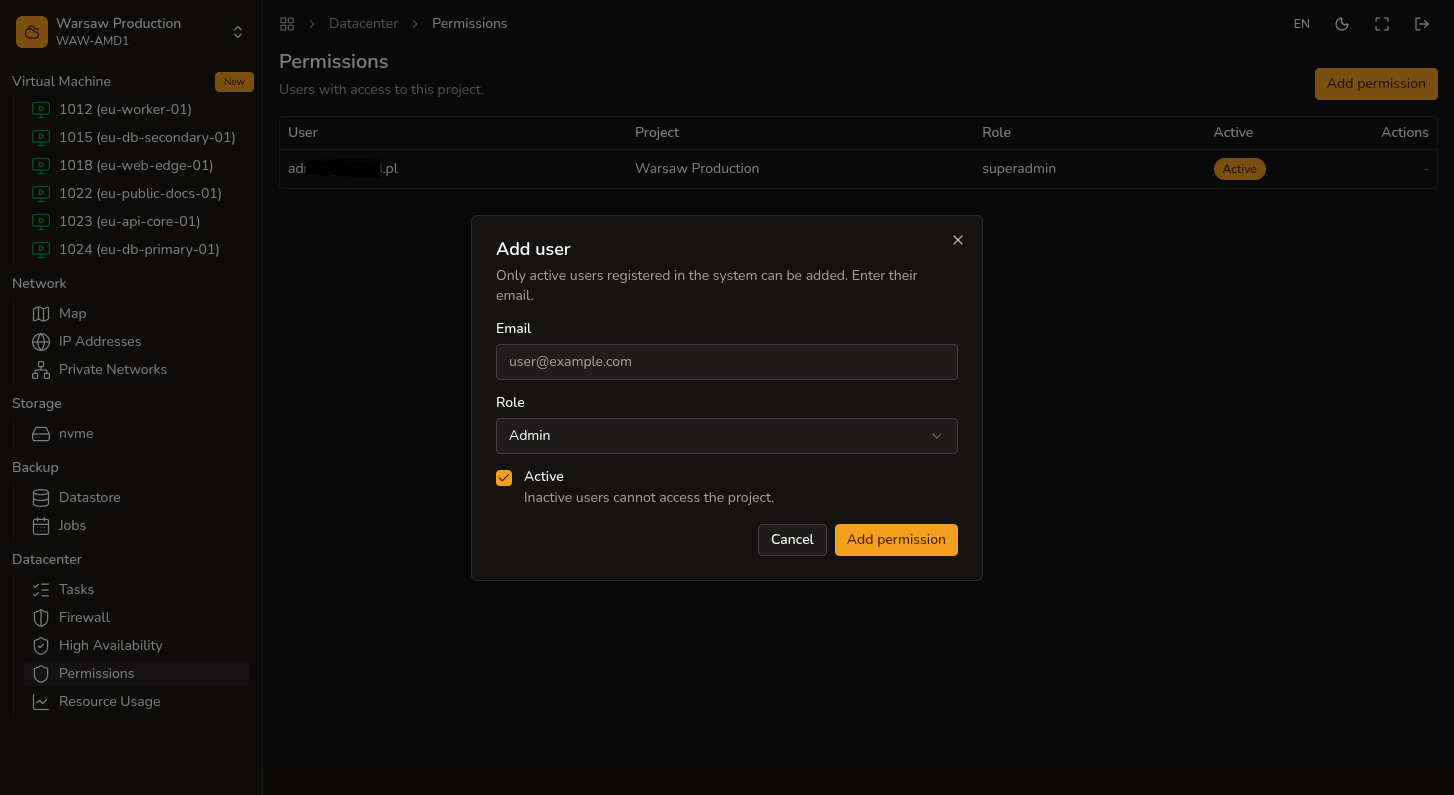
Steps
- Open
Datacenter → Permissions. - Click Add permission.
- Enter the email of a user with a hostd account and choose Admin or Auditor.
- Remove access for users who no longer need access to the project.
Roles
| Role | Access |
|---|---|
| Superadmin | Manage project members, billing and resource usage, full VM and networking access |
| Admin | Manage VMs and networking |
| Auditor | VM read-only access |
Superadmin is the project owner role. You assign Admin or Auditor to other users.
Watch out
The user must already have a hostd account — the portal does not send email invitations.