Datastore
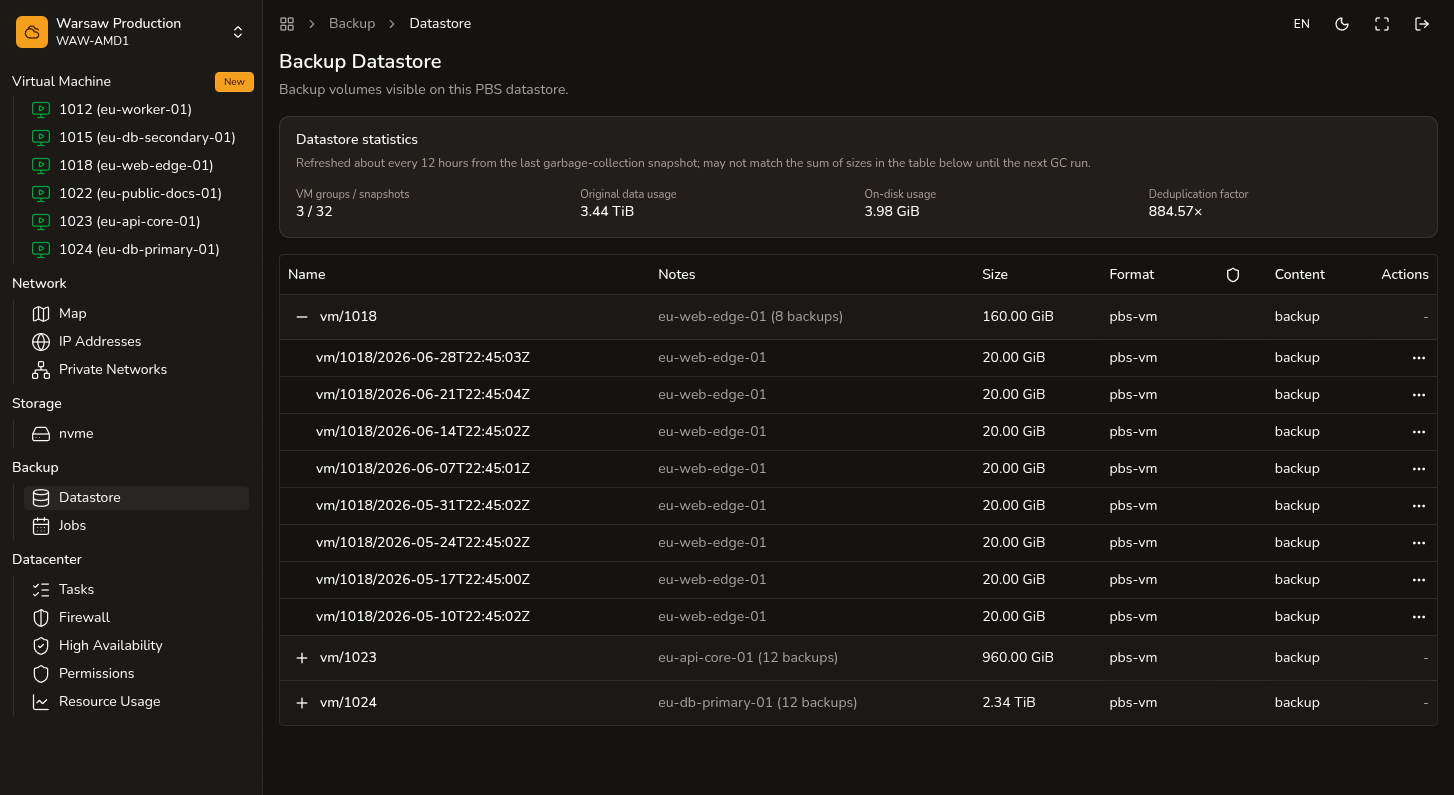
Inspect PBS backup volumes, protection, and delete.
Before you begin
- Admin or Superadmin access to the project.
- Understanding of which backups you can delete safely.
Steps
- Open
Backup → Datastore. - Find a VM or backup volume in the list.
- Check logical size, on-disk size, and backup date.
- Enable protection if the backup must not be deleted accidentally.
- Delete a volume only when you are sure it is not needed.
Watch out
Protected backups block delete. Backup storage can keep billing after the VM is deleted.