High Availability
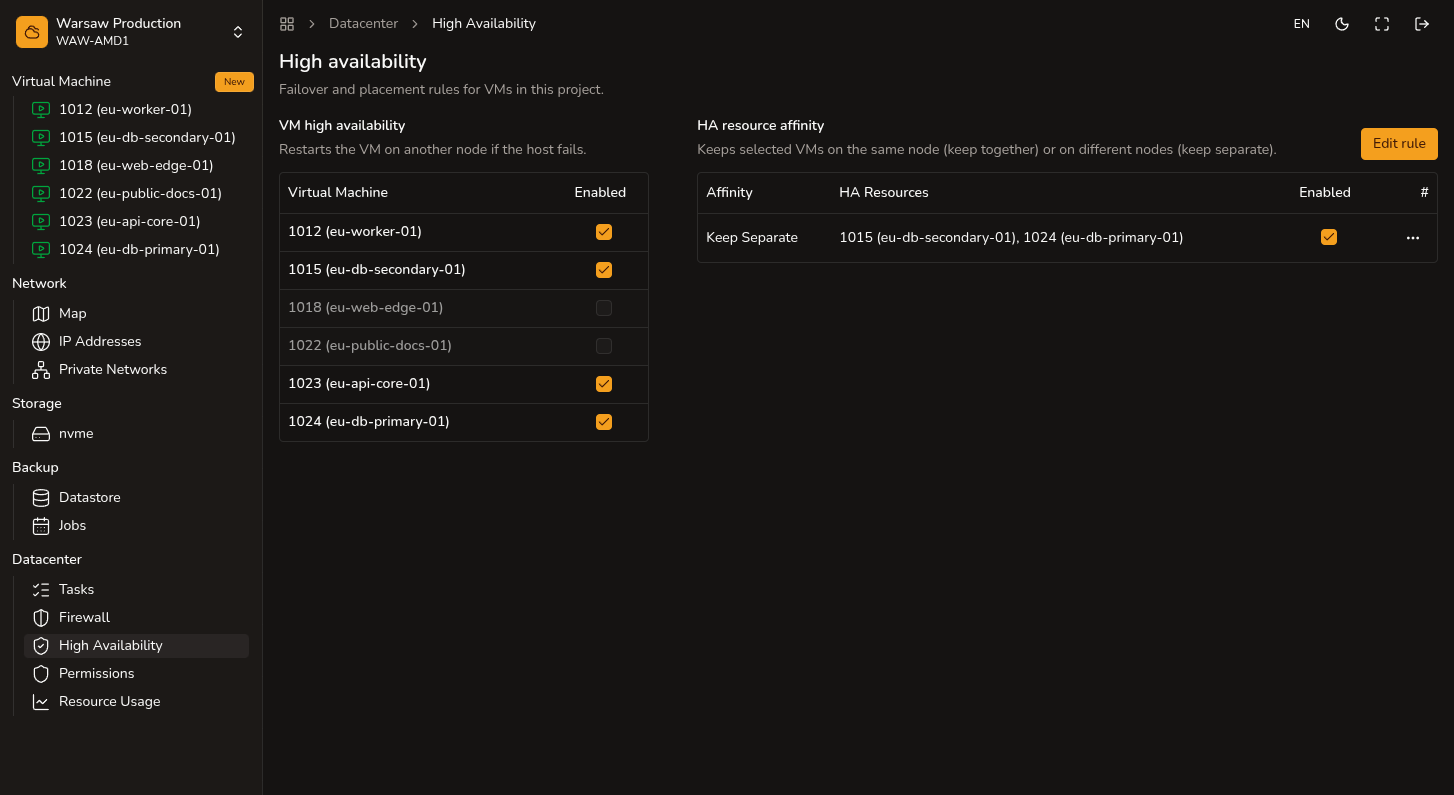
Enable per-VM HA and affinity rules.
Before you begin
- Admin or Superadmin access with VM write permission.
- VM already created (HA is not enabled at VM create time).
Steps
- Open
Datacenter → High Availability. - Enable HA for the selected VM.
- Add an affinity rule if VMs must stay together or on separate nodes.
- Check HA status on the VM summary page.
Watch out
- HA restarts a VM on another node, usually in minutes. It is not zero-downtime and does not protect against failures inside the guest OS.
- HA for VMs has no separate surcharge; vCPU and RAM bill at standard rates.