Resource usage
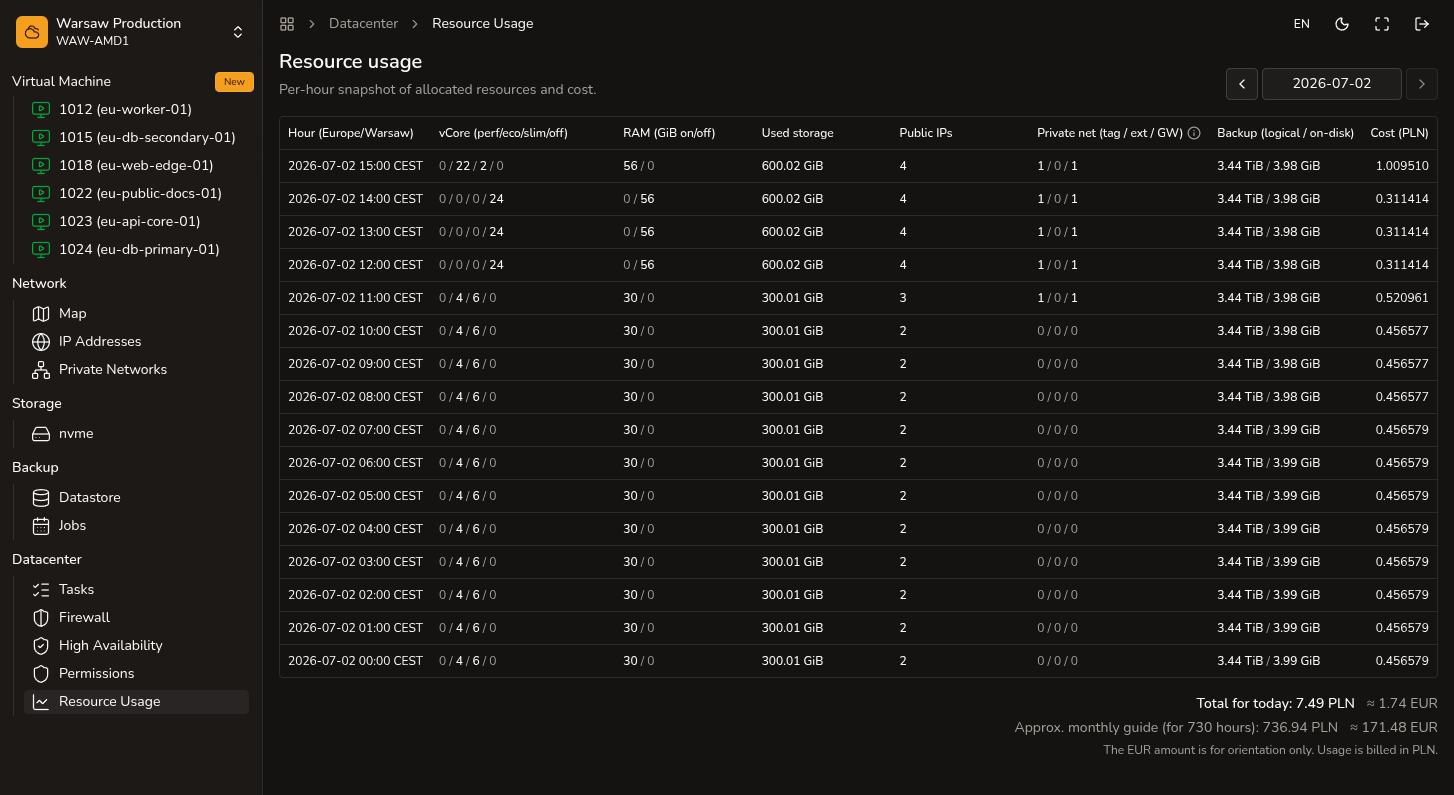
Hourly project costs in PLN by resource type. Only the project owner (Superadmin) can open Datacenter → Resource usage.
Steps
- Open
Datacenter → Resource usage. - Review hours and resource type lines (compute, RAM, storage, public IP, backup, Cloud Gateway).
- Compare lines with active VMs, networks, and gateways in the project.
- For invoices and payment, go to
Billing.
Watch out
This is an hourly cost view, not an invoice or accounting document.