Security groups
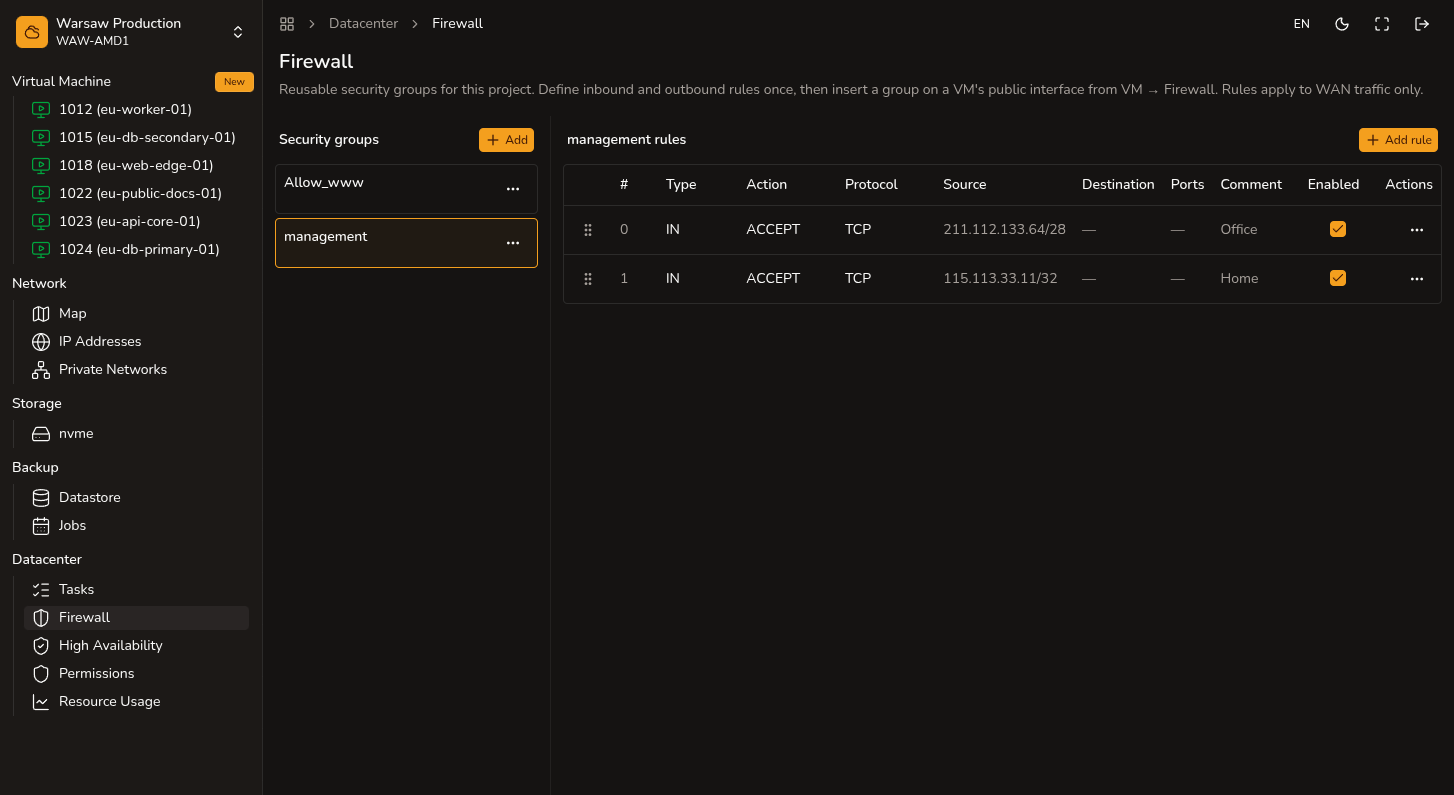
Create project security groups — reusable firewall rule sets for VM WAN.
Before you begin
- Admin or Superadmin access to the project.
- Group name: Latin characters, maximum 15 characters in the portal.
Steps
- Open
Datacenter → Security groups. - Click Create group and enter a short name.
- Add IN or OUT rules to the group.
- On each VM, open
VM → Firewalland click Insert Security Group. - Update rules in one place when they apply to many VMs.
Watch out
A security group takes effect on a VM only after you insert it into that VM's firewall and enable the firewall (Global Status On).